Small business time clock
A time clock sized and priced for a small business
Small teams do not need an enterprise suite, and they should not pay by the seat for features they cannot turn off. 9forty5 is one flat monthly price by team size, with the compliance features included at every size.
What you get
- Free for up to 3 employees; paid from $24 a month for up to 5
- A flat monthly price by team size, not a per-employee fee
- A card-free 14-day trial of the paid plans
- No hardware, no installation, nothing to maintain
- State overtime presets and meal-break rules included at every size
- Month-to-month: the price is per month, not an annual contract up front
What small businesses get wrong with timekeeping
The usual story is a spreadsheet that works until it does not: a formula that skips a row, an overtime rule nobody checked against the state, a Friday evening spent adding up hours from text messages. The expensive part is not the software. It is the back wages and penalties when a record is wrong, and the afternoon it takes to rebuild one.
A time clock fixes the source of the problem by capturing hours when they happen, calculating overtime by the rules of the state, and keeping an edit trail. You do not have to know the rules to be covered by them; you pick the state preset.
Flat pricing
Pricing is a monthly price for a band of team size: $24 for 1 to 5 employees, $49 for 6 to 15, $99 for 16 to 25, $179 for 26 to 50 and $299 for 51 to 100. There is no per-seat arithmetic, so hiring one more person never changes the bill unless it moves you into the next band. A card-free 14-day trial lets you run real payroll data through it first.
Set up in an afternoon
Add your people, choose your pay period and your state's overtime rule, and hand out the app. Employees can punch from their own phones the same day, and the payroll export for your provider is a download on the day payroll runs.
Good to know before you start
What it does not do matters as much as what it does.
- Self-serve plans stop at 100 employees. Larger companies get custom pricing from $449 a month.
- The premium add-on (AI daily brief, ask-your-data, labor cost tracking and the activity log) is optional and priced separately.
Free for up to 3 employees, then a flat monthly price by team size from $24. See pricing
Frequently asked
No. The price is a flat monthly amount for the band your headcount falls in. Only active employees count, so deactivating someone who leaves reduces your count.
No. Employees punch from their phones or from any browser, so there is no hardware to buy, mount or maintain.
The app tells you when you reach your band's limit and lets you move up in one step. Nothing is lost; your punches, time cards and employees stay where they are.
Send them the payroll export file, which carries regular, overtime and paid time off as separate columns, or a pay-period report. Accountant logins are not a separate role today.
The features behind it
Time clock
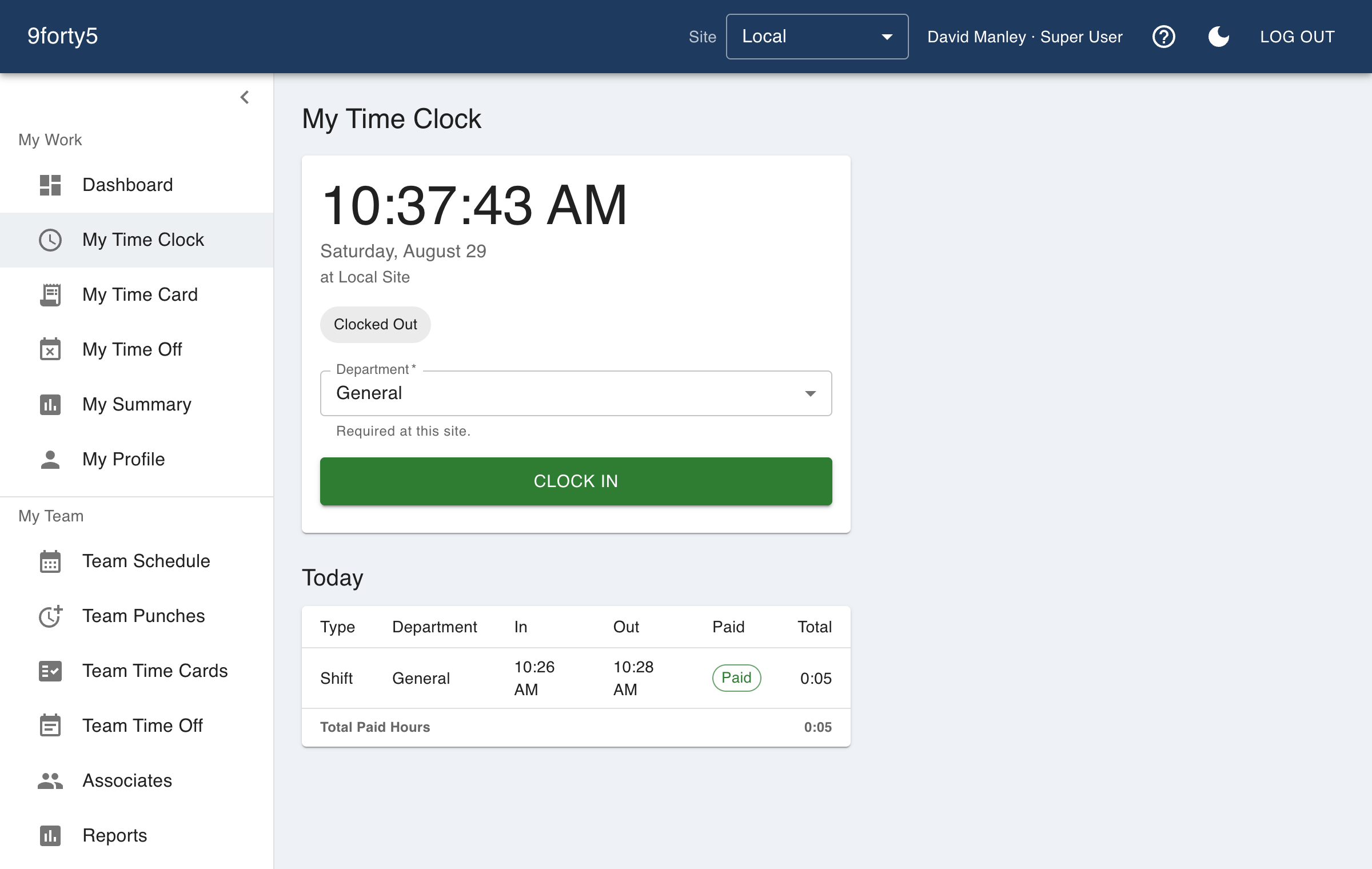
A web and mobile time clock employees use to punch in and out from any device. Accurate timestamps, punch rounding, meal breaks and location capture. Free for up to 3 employees.
Overtime tracking
Track overtime under federal and state rules: weekly after 40, California daily and double time, Alaska, Colorado, Oregon manufacturing and 7th-day premiums. Presets included.
Payroll export
Export an approved pay period as an import-ready file for Gusto, QuickBooks Payroll, ADP RUN, Paychex, Rippling, OnPay or a generic CSV, with regular, overtime, double time and PTO split out.
Time off & leave
Employees request PTO, sick time and other leave from their phone; managers approve, and the hours land on the time card and the schedule automatically. Company holidays included.
How different businesses use it
Salons & spas
A front-desk tablet or a phone as the clock, a schedule the team can see, and time-off requests that do not live in a group chat.
Restaurants
Kitchen and front of house on one clock, meal breaks that are actually punched, split shifts that band correctly, and a schedule the crew sees on their phone.
Landscaping & lawn care
Crews clock in from the yard or the first property, the office sees where each punch happened, and hours by crew and by site show which accounts are running over what you bid.
Auto repair shops
A shop-floor computer or each tech's phone as the clock, hours that match the paycheck, and a service desk and a shop floor reported separately.
Free time clock · Time clock app · Time and attendance software
Try it free for 14 days. Flat monthly pricing after that.
No credit card, no per-seat surprises, no contract. Set up a site, add your team and take the first punch in under ten minutes. Teams of up to 3 can stay on the free plan for good.