Feature
Payroll export to Gusto, QuickBooks, ADP, Paychex, Rippling and OnPay
Approve the period, pick your payroll provider, download the file it expects. Regular, overtime, double time, holiday and paid time off go out as separate columns so nothing is re-keyed.
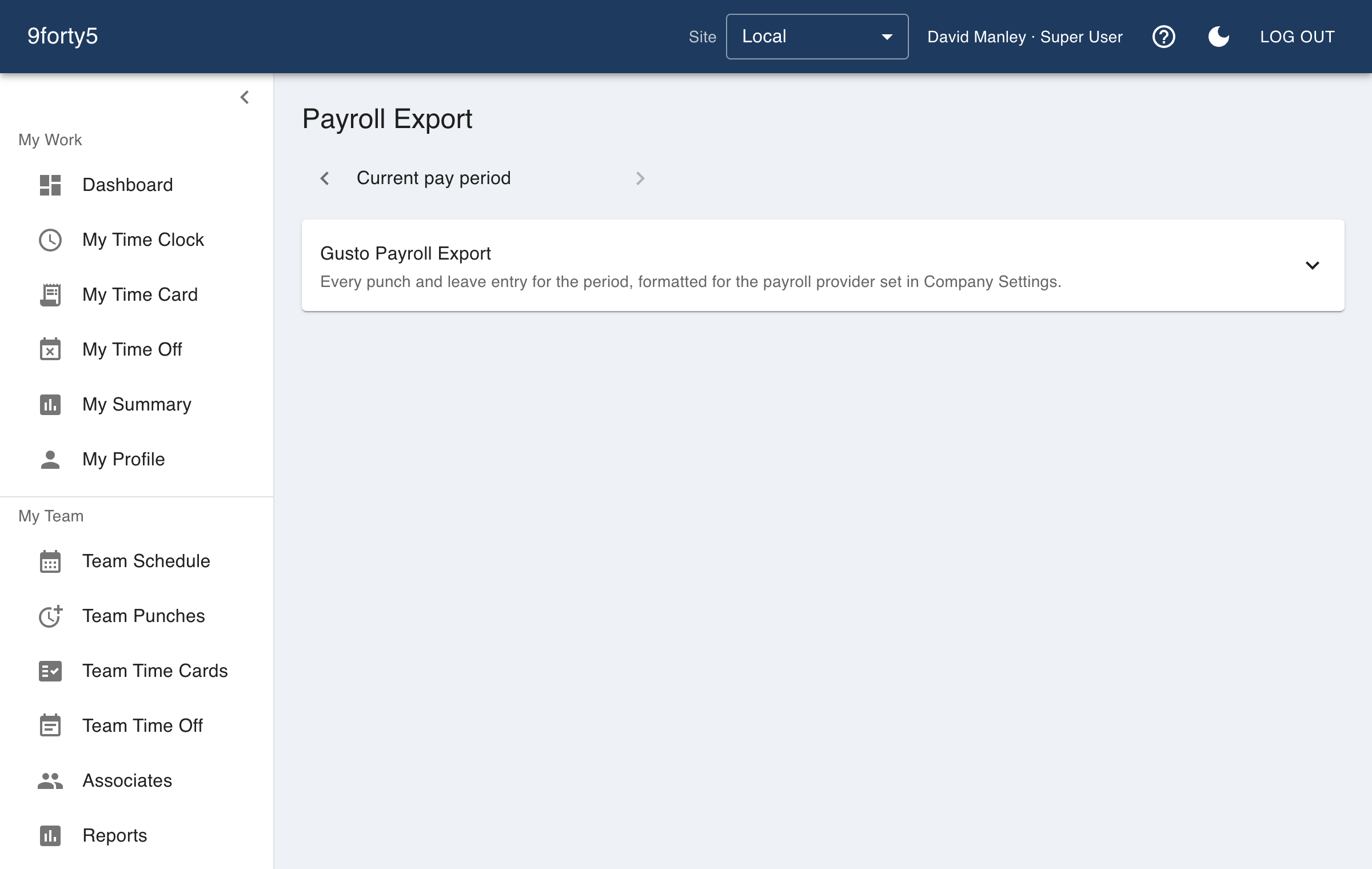
What you get
- Formats for Gusto, QuickBooks Payroll, ADP RUN, Paychex, Rippling and OnPay
- Generic CSV for anything else
- Regular, overtime, double time, holiday and PTO in separate columns
- Only approved periods export, so the file matches what managers signed off
- Employee payroll IDs mapped once and remembered
The file your provider actually imports
Each provider has its own import layout, column names and ID conventions. 9forty5 keeps one formatter per provider, so the download is the file you upload, not a spreadsheet you edit first. Overtime and double time are split everywhere, because a provider that receives them merged pays them wrong.
Approved means approved
Only an approved pay period can be exported, and an approved period is locked. The hours in the payroll file are the hours the managers signed, and if a correction is needed after the fact it is a deliberate reopen with a record of who did it.
Frequently asked
An import-ready file in the provider's own layout. You download it from 9forty5 and import it into the provider.
Yes. Regular, overtime, double time, holiday and each paid time-off type are separate columns or rows as the provider expects.
No, by design. Approving the period is what freezes the hours, so the file always matches what was signed off.
Goes with
Time cards & approvals
Digital time cards that calculate regular, overtime and double-time hours as punches happen. Review, edit and approve by employee, team or pay period, then export to payroll.
Overtime tracking
Track overtime under federal and state rules: weekly after 40, California daily and double time, Alaska, Colorado, Oregon manufacturing and 7th-day premiums. Presets included.
Time off & leave
Employees request PTO, sick time and other leave from their phone; managers approve, and the hours land on the time card and the schedule automatically. Company holidays included.
Try it free for 14 days. Flat monthly pricing after that.
No credit card, no per-seat surprises, no contract. Set up a site, add your team and take the first punch in under ten minutes. Teams of up to 3 can stay on the free plan for good.