Feature
GPS time clock with geofencing
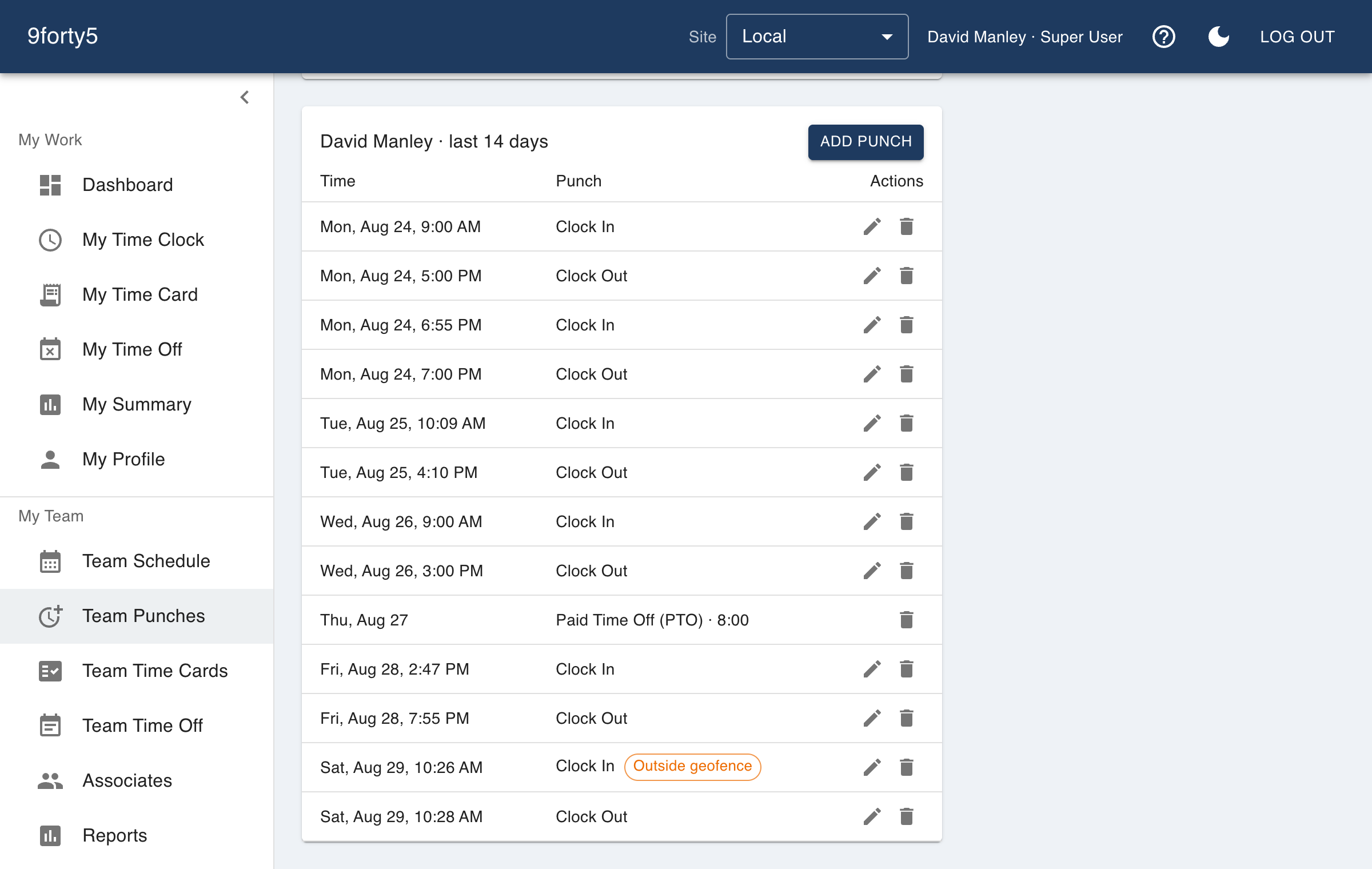
Draw a circle around the site, decide whether an outside punch is flagged or refused, and every punch records where it happened. Field crews, home health and multi-location retail finally get the same answer to "were they there?".
What you get
- Geofence radius per site, set on a map
- Three modes: record location only, flag outside punches, or require on-site
- Punch location shown on a map for managers
- Works with the iPhone app's GPS and the browser's location
- Employees are told what is recorded and why
Pick how strict each site should be
Some sites only want the record. Some want a manager to see a flag when a punch happens from the parking lot across town. A few need the punch refused unless the employee is inside the fence. All three are a site setting, so a job site can be strict while the office is not.
Honest about what it records
9forty5 records the location of a punch, and only at the moment of the punch. It never tracks an employee between punches. The employee sees when a site requires location and what it will be used for, which is what most state privacy rules expect and what keeps the feature from becoming a grievance.
Frequently asked
No. Location is captured only when a punch is made and only when the site has location enabled.
You draw the radius on a map per site, from a few dozen meters for a storefront to a large radius for a campus or job site.
Yes, using the browser's location permission. The iPhone app uses the phone's GPS and is more accurate.
Goes with
Time clock
A web and mobile time clock employees use to punch in and out from any device. Accurate timestamps, punch rounding, meal breaks and location capture. Free for up to 3 employees.
Mobile app
Employees clock in and out, check their time card, request time off and see their schedule from the 9forty5 iPhone app, with GPS punch location and passkey sign-in.
Time cards & approvals
Digital time cards that calculate regular, overtime and double-time hours as punches happen. Review, edit and approve by employee, team or pay period, then export to payroll.
Try it free for 14 days. Flat monthly pricing after that.
No credit card, no per-seat surprises, no contract. Set up a site, add your team and take the first punch in under ten minutes. Teams of up to 3 can stay on the free plan for good.