Your time card
Reading your hours, and submitting the card at the end of a pay period.
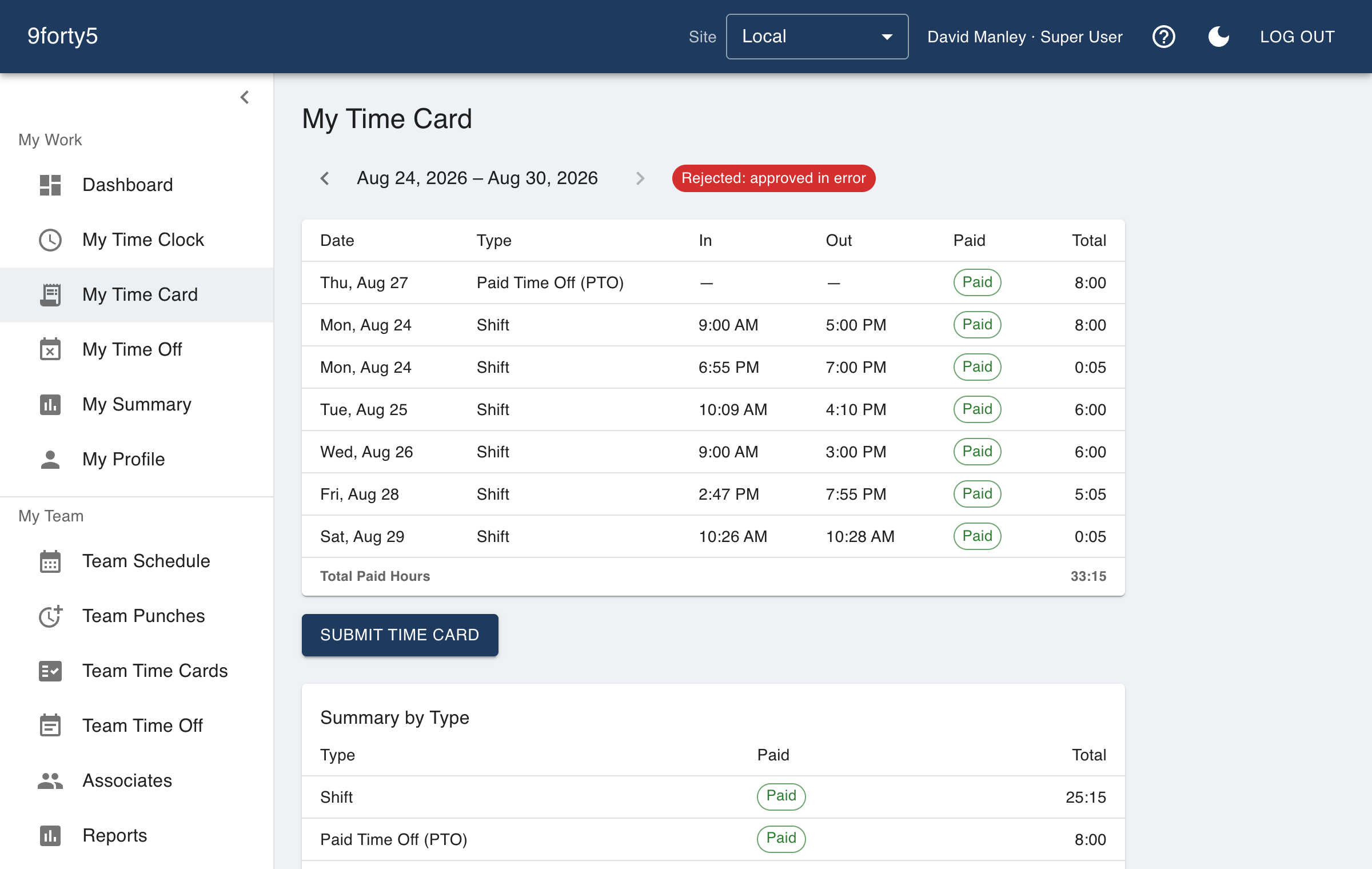
My Time Card shows the current pay period as calculated from your punches: each day's clock-in and clock-out, the rounded times, and totals split by type such as regular, overtime, and time off, with the period's totals by time type at the bottom of the page.
Submitting
- Review the period and check each day against what you actually worked.
- If something is wrong, get it fixed first. Your manager can correct punches from Team Punches.
- Press Submit. The card locks so it cannot change while your manager reviews it.
After you submit, your manager approves or rejects the card. A rejected card unlocks so the problem can be fixed and the card resubmitted. Approved cards are what payroll reads.