Payroll export
Turning an approved pay period into a file your payroll provider accepts.
Payroll Export produces a CSV of the pay period's hours, split by time type, in the format your payroll provider imports. It reads approved time cards, so the approval pass on Team Time Cards is what makes a period exportable.
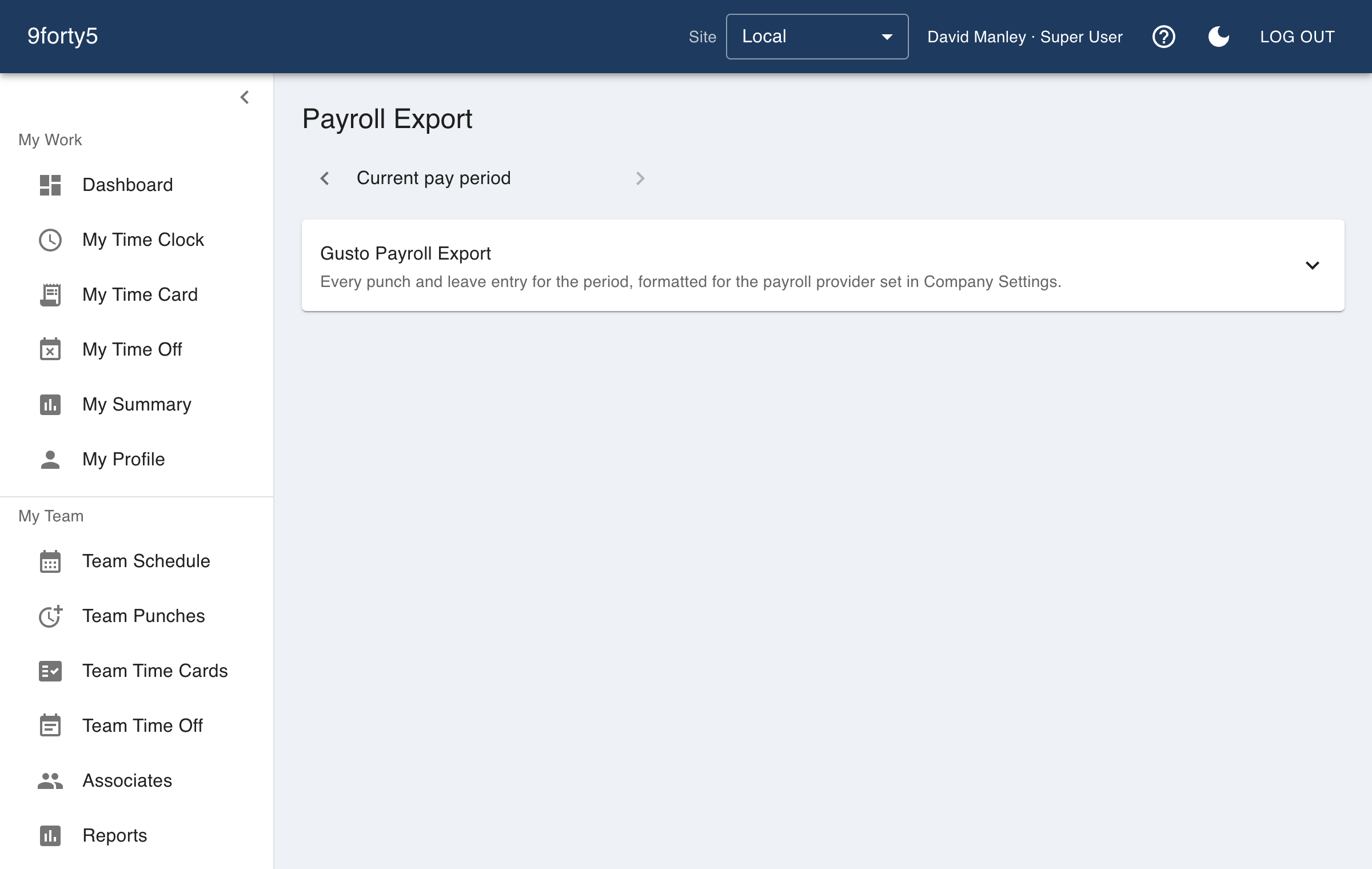
Export after the period is fully approved. If a card has to change afterwards, re-approve it and export again. The file always reflects the cards as they currently stand.
Federal overtime for the W-2. Starting with 2026 W-2s, payroll must report the overtime premium federal law requires in Box 12 under code TT. That covers only hours worked past 40 in a week. A state's daily overtime, double time and seventh-day pay do not count unless the same hours are also past 40, so in those states the figure can differ from your Overtime hours. The Gusto, Rippling, OnPay and generic files carry it as a last column labelled as a memo. Leave that column unmapped when you import, because those hours are already in the other columns. The ADP, Paychex and QuickBooks files cannot carry it without paying the hours twice, so for those providers use the FLSA OT column on the Payroll Pre-Run Register under Reports.