Getting started
Set up your company, sites, departments, and people in the order that works best.
Everything in 9forty5 is built on your company's basic shape. Schedules, time cards, and payroll all depend on it, so a few minutes of setup saves confusion later. Work through it in this order:
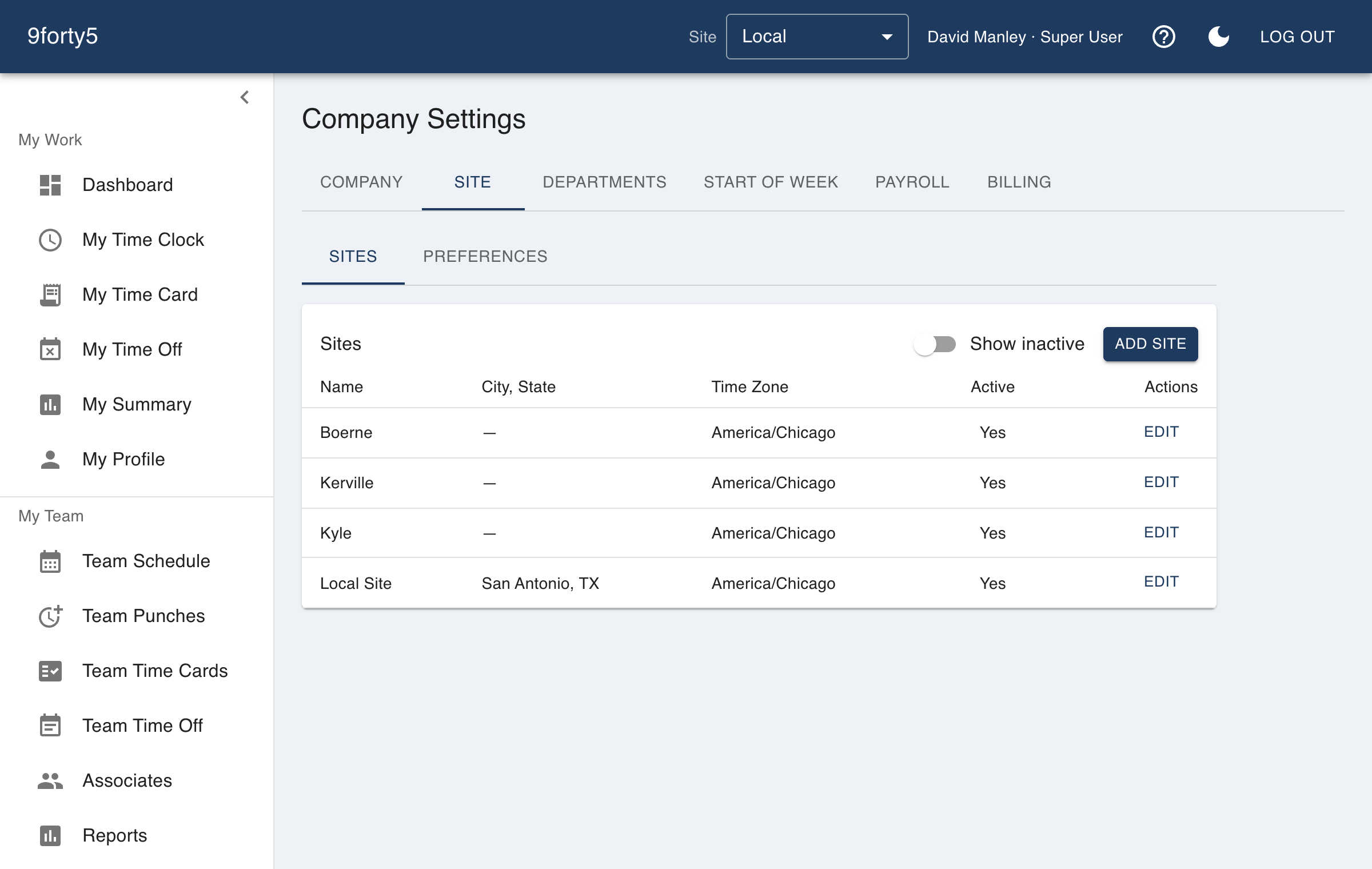
- Company Settings, then the Sites tab. Add each physical location with its time zone and phone number. The time zone matters because it decides what "8:00 AM" means on every punch at that site.
- Company Settings, then Site Setup. This tab is set one site at a time - pick the site at the top, then work through its three sections. Time & Pay is the one to get right first: it sets the day the work week starts and how punches round, and weekly overtime is calculated from that start day.
- Site Setup, then Departments. Departments are optional, but they are useful when hours need to be tracked by area. A restaurant might separate the kitchen from the front of house, for example. Repeat Site Setup for each site you added - the settings are per site, so a second location does not inherit the first's.
- Employees. Add the people who will clock in. Each employee gets a role, and the role decides what they can see and do.
- Team Schedule. Lay out the first week and assign the people you just added. Scheduled hours are what actual hours get compared against later.
The in-app tour walks these same steps with the actual buttons highlighted. You can open it any time by choosing "Show me around" from the "?" menu in the top bar.