Approving time cards
The review flow from submission to approval, and what approval means for payroll.
Team Time Cards is the end-of-period workstation. Each employee's card shows its status and the hours behind it. A card can be open, submitted, approved, or rejected.
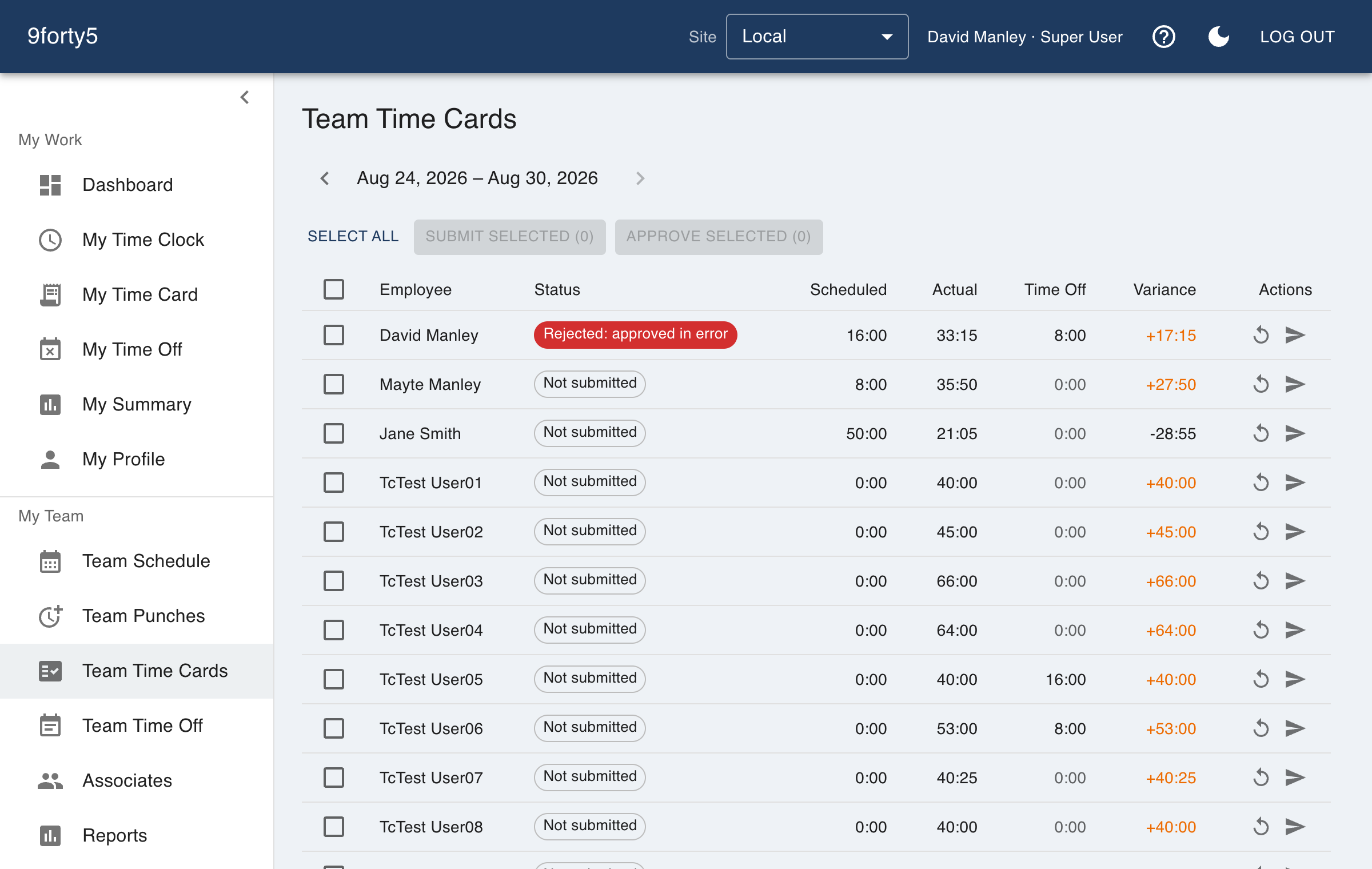
- When a pay period ends, employees review and submit their cards, which locks them.
- Review each submitted card. If something is off, reject it. The card unlocks, the punch gets fixed on Team Punches, and the employee resubmits.
- Approve the cards that are correct. Bulk approval handles the routine ones in one action.
Approved cards are what Payroll Export reads, so approval is the last gate before payday. A locked card also protects both sides, because nothing can change underneath a card while it is being reviewed.