Feature
Time and attendance reports for managers
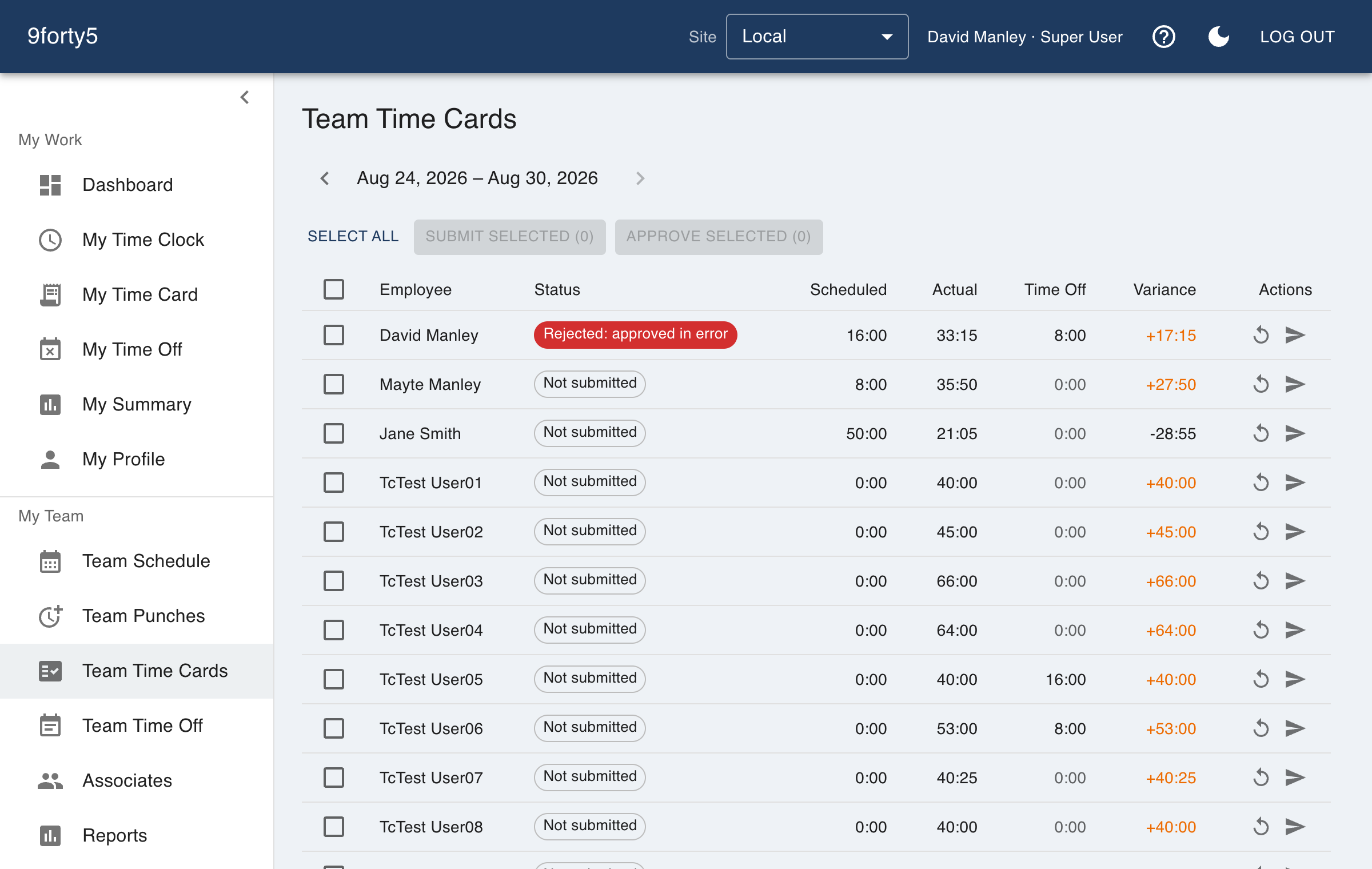
Where the hours went, who is heading into overtime, and how far this week drifted from the schedule. The reports managers ask for, ready on the day they ask.
What you get
- Hours by employee, department and site for any period
- Overtime watchlist for the current week
- Scheduled versus actual variance by employee and department
- Coverage by hour and unassigned shifts
- Site comparison for multi-location companies
- Labor cost and pay tracking with the premium add-on
The questions a manager asks on Friday
Who worked how much, which department went over, who is about to hit overtime, and did the week match the schedule. Each is a report with the period picker at the top, filterable by site and department, and the numbers are the same ones the payroll export uses.
Frequently asked
Yes. The variance report compares each employee's scheduled paid hours with what they punched, and rolls up by department.
Goes with
Time cards & approvals
Digital time cards that calculate regular, overtime and double-time hours as punches happen. Review, edit and approve by employee, team or pay period, then export to payroll.
Shift scheduling
Build the week in minutes, copy it forward, plan unpaid meal breaks into each shift, and see scheduled versus actual hours by department. Employees see their schedule on their phone.
AI insights
A daily brief and pay-period digests written from your own punch data, and plain-English answers to questions like "who is on track for overtime this week?". A premium add-on.
Try it free for 14 days. Flat monthly pricing after that.
No credit card, no per-seat surprises, no contract. Set up a site, add your team and take the first punch in under ten minutes. Teams of up to 3 can stay on the free plan for good.